

This guide is for organization admins. If you haven’t upgraded to an organization yet, see Platform Partners first.
What you can embed
Checkout
Sell agent plans from your own pricing page. Reports a transaction hash on success.
Card enrollment
Let users add a payment method without leaving your site. Returns the resulting
paymentMethodId.Card delegation
List enrolled cards, create delegations, and revoke either — without redirecting to nevermined.app.
How it works
initToken per browser session; the SDK exchanges it for a 2-hour widget session that scopes every API call to a single end-user from your system.
Setup
1
Generate a widget key
Open Settings > Organization in the Nevermined App and scroll to the Widget Integration section.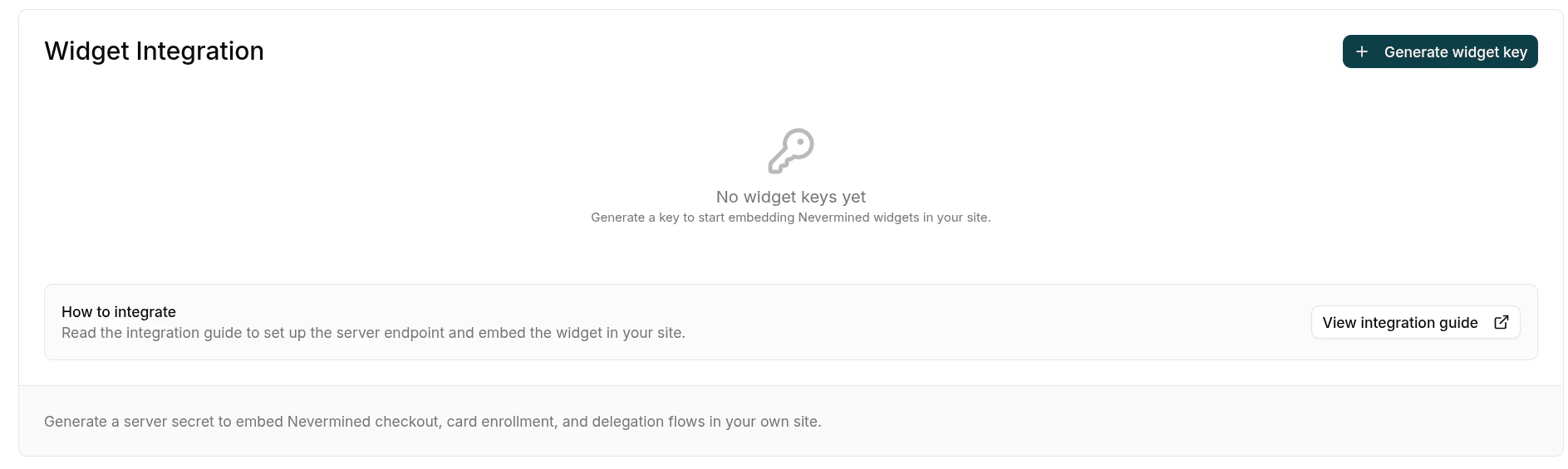
-
Name — a descriptive label, e.g.
Production website. -
Allowed origins — every domain where the widget will be mounted, e.g.
https://yourcompany.comandhttps://staging.yourcompany.com. At least one origin is required. Use Add origin to add more rows. No path, query, fragment, or trailing slash.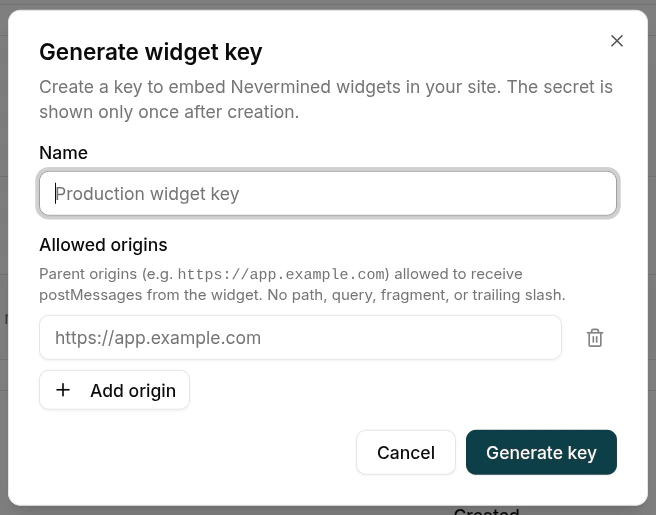
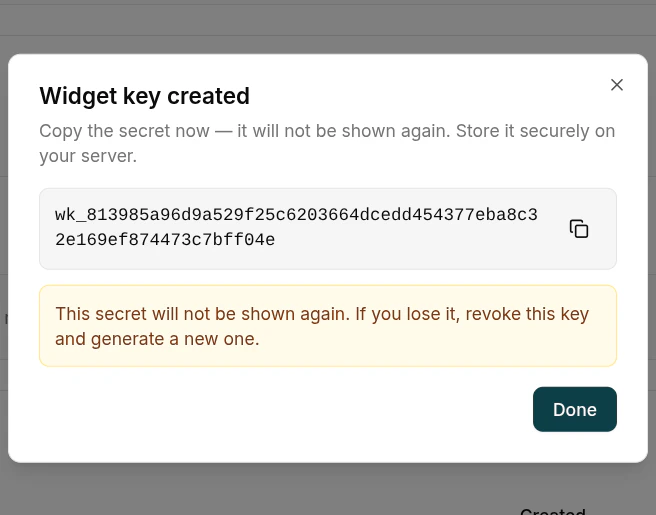
parentOrigin doesn’t match this allowlist — it’s your second line of defense if the secret ever leaks. You can edit the list later from the key’s actions menu without rotating the secret.Click Generate key. The raw secret is shown once. Copy it and store it as an environment variable on your server (for example, NVM_WIDGET_SECRET). You won’t see it again.2
Mint the initToken on your server
Install the server SDK on your backend and expose a small endpoint that signs an The call is the same regardless of framework:Pick the framework that matches your stack:
initToken for the currently logged-in end-user.- Vite middleware
- Express
- Next.js Route Handler
userId identifies the end-user of your site, not the org admin. Resolve it from your auth session — Nevermined uses it as the sub of the session JWT to scope every widget action to that user.3
Mount the widget in the browser
Install the browser SDK on your frontend.Fetch the Then mount whichever widget you need into a container element on your page:
initToken from your endpoint and initialize the SDK. The same nvm instance can mount any of the available widgets.- Checkout
- Enroll a card
- List & delegate
Available widgets
All iframe-mounting methods share the same lifecycle:
Once a widget instance fires
onSuccess, onError, or onClose, it’s terminal: calling its method again throws. Construct a fresh widget via the same nvm instance to mount another flow.Environments
Pick the environment that matches the Nevermined dashboard you used to mint the widget key.Production checklist
Server-side secrets only
Keep
NVM_WIDGET_SECRET in your runtime env vars. Never commit it, never ship it to the browser, never put it in NEXT_PUBLIC_* or VITE_* variables.Allowed origins populated
Add every domain where you mount the widget. The backend rejects sessions from any other origin.
HTTPS only
Serve both your site and your initToken endpoint over HTTPS in production.
parentOrigin includes the scheme, so origins must match exactly.Real userId per session
Pass the actual end-user identifier from your auth — never a placeholder, never the same value for every visitor.
Rotate on suspicion
If the secret might have leaked, revoke the key from the dashboard and generate a new one. Update your env var and redeploy.
Short token TTLs
Default
initToken expiry is 5 minutes — leave it. Don’t cache the token server-side.Troubleshooting
Related
Platform Partners
Background on Nevermined organizations and how to upgrade your account.
Card enrollment
How Nevermined card enrollment works under the hood — the widget surfaces this same flow.